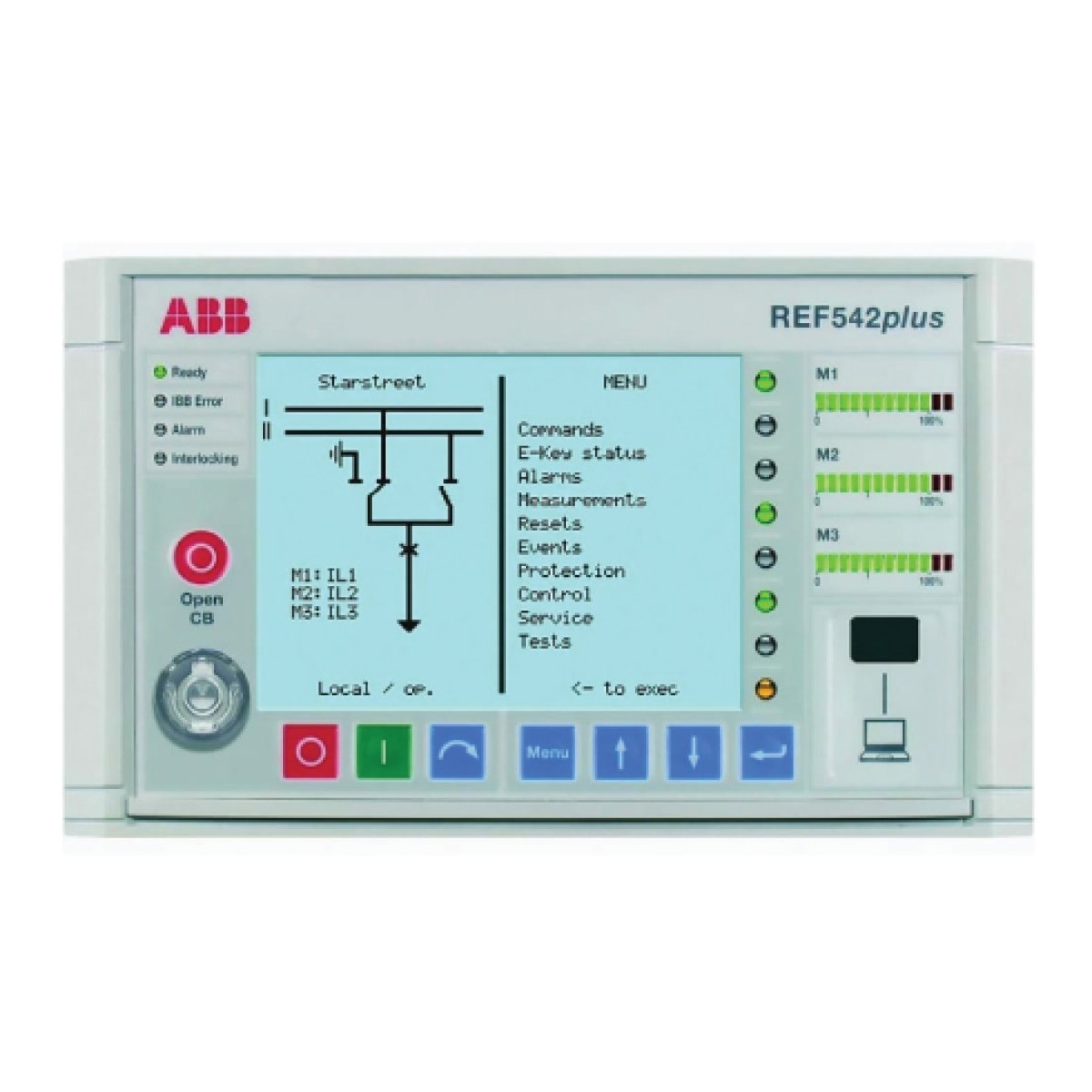
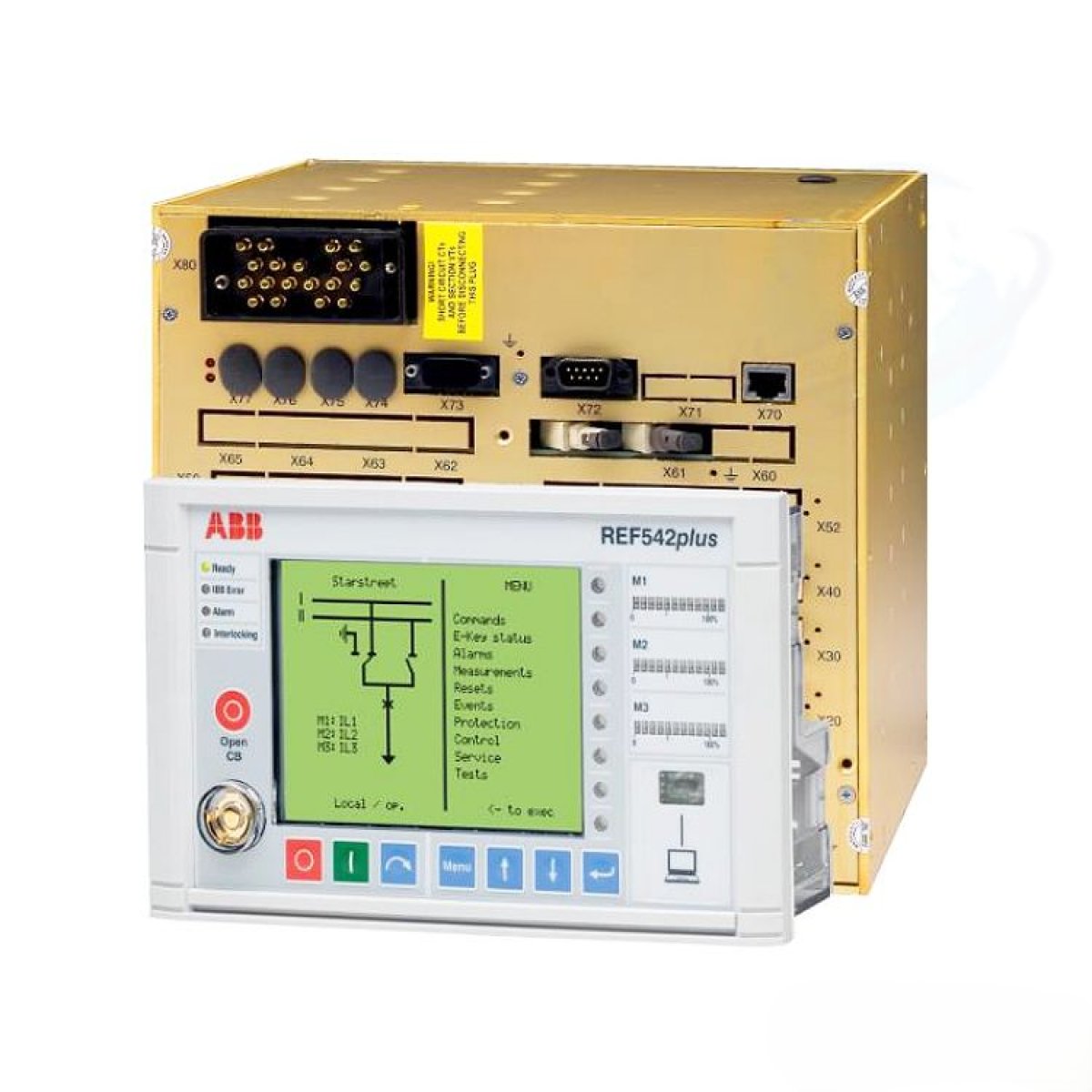
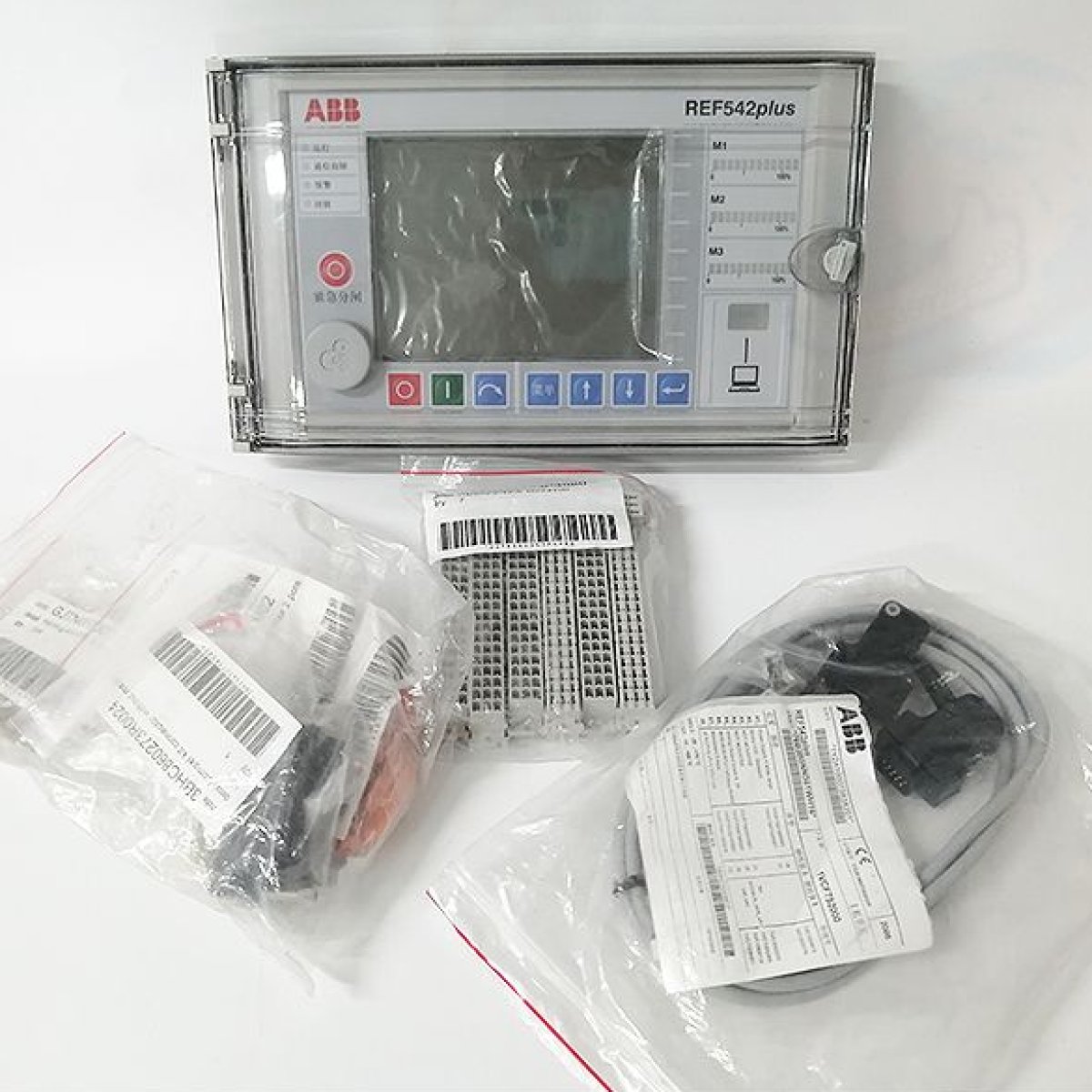
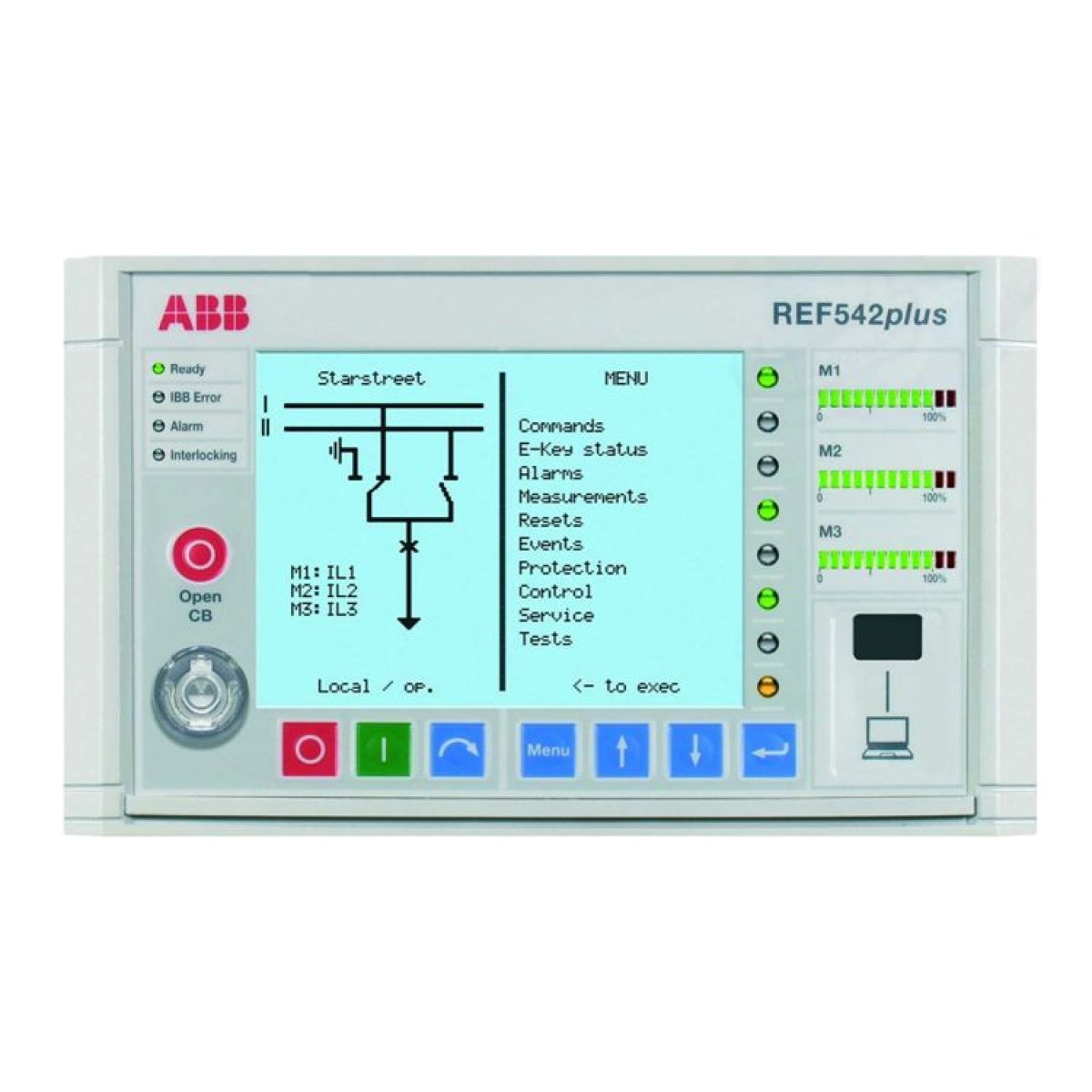
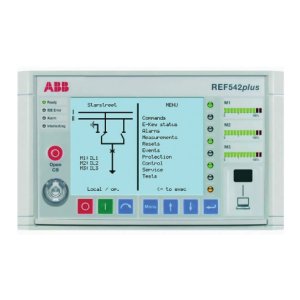
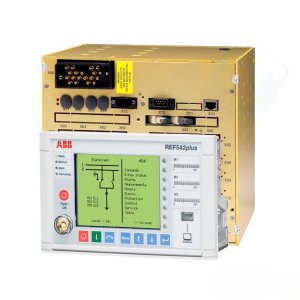
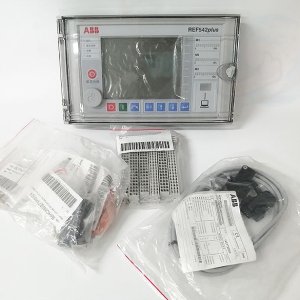
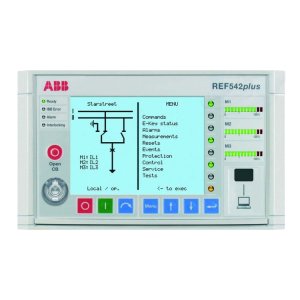
ABB REF542plus multifunction protection and switchgear control unit. This device acts as a "bay control" terminal, integrating protection, measurement, monitoring, and control functions for medium-voltage applications like feeders, transformers, and motors.
Programming & Parameter Setting
To program or set display parameters for this unit, you typically use the dedicated REF542plus Configuration Tool software.
- Software Method (FUPLA): The configuration is built using the Function Block Programming Language (FUPLA) on a PC. This allows you to:
- Set protection thresholds and time characteristics.
- Define the Single Line Diagram (SLD) and HMI mimic displays.
- Map binary inputs/outputs and configure LED indications.
- HMI Navigation: While major logic changes are done via PC, operators can view and adjust certain parameters directly through the local HMI. The menu structure includes:
- Measurements: View real-time current, voltage, and power.
- Protection: Access and modify specific protection settings.
- Events/Alarms: Review fault records and reset active alarms.
- Service/Tests: Access diagnostic routines and commissioning modes.
Hardware Interface
- Communication Port: The front panel has a dedicated PC connection port (visible on the bottom right) for uploading and downloading configurations.
- Soft Keys: The blue buttons under the screen act as dynamic "soft keys" that change function based on the current menu.